 MineForge
How to Add a Custom Item in Minecraft 26.3 (Fabric)
In this series we build Sporesteel, a living metal grown from fungus spores. Sporesteel gear slowly repairs itself, and it repairs faster in dark, damp places. Episode 1 starts with the first ingredient: the Spore Cluster item.
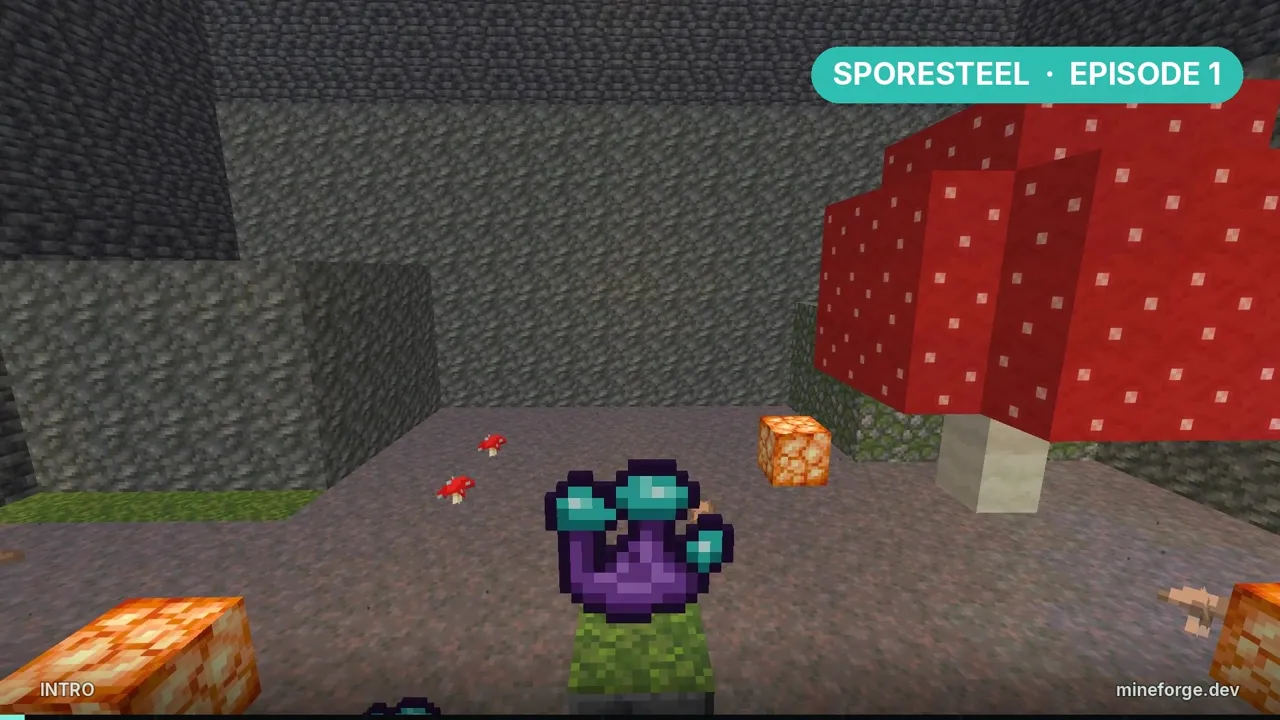
What you need: Minecraft 26.3, Fabric Loader 0.20.1, Fabric API 0.165.2+26.3 and Java 25.
Project setup
Generate a new mod with the Fabric template generator, set the mod ID to sporesteel and open it in IntelliJ IDEA. Our main class keeps the mod ID and a small helper that turns names into sporesteel: identifiers:
package com.mineforge.sporesteel;

import com.mineforge.sporesteel.item.ModItems;
import net.fabricmc.api.ModInitializer;
import net.minecraft.resources.Identifier;
import org.slf4j.Logger;
import org.slf4j.LoggerFactory;

public class Sporesteel implements ModInitializer {
	public static final String MOD_ID = "sporesteel";
	public static final Logger LOGGER = LoggerFactory.getLogger(MOD_ID);

	@Override
	public void onInitialize() {
		ModItems.init();
		LOGGER.info("Sporesteel is growing");
	}

	public static Identifier id(String path) {
		return Identifier.fromNamespaceAndPath(MOD_ID, path);
	}
}
Register the item
Create item/ModItems.java. Each item needs a registry key, and in 26.3 the key also goes into the item’s properties with setId:
package com.mineforge.sporesteel.item;

import com.mineforge.sporesteel.Sporesteel;
import net.minecraft.core.Registry;
import net.minecraft.core.registries.BuiltInRegistries;
import net.minecraft.core.registries.Registries;
import net.minecraft.resources.ResourceKey;
import net.minecraft.world.item.Item;

public final class ModItems {
	public static final Item SPORE_CLUSTER = register("spore_cluster");

	private static Item register(String name) {
		ResourceKey<Item> key = ResourceKey.create(Registries.ITEM, Sporesteel.id(name));
		Item item = new Item(new Item.Properties().setId(key));
		return Registry.register(BuiltInRegistries.ITEM, key, item);
	}
}
If you forget
setId(key), the game crashes on startup with an “Item id not set” error.
Model and texture
Items need two JSON files. The first tells the game which model to use, in assets/sporesteel/items/spore_cluster.json:
{
  "model": {
    "type": "minecraft:model",
    "model": "sporesteel:item/spore_cluster"
  }
}
The second is the model itself, a flat item drawn from one texture, in assets/sporesteel/models/item/spore_cluster.json:
{
  "parent": "minecraft:item/generated",
  "textures": {
    "layer0": "sporesteel:item/spore_cluster"
  }
}
Save a 16×16 PNG as assets/sporesteel/textures/item/spore_cluster.png.
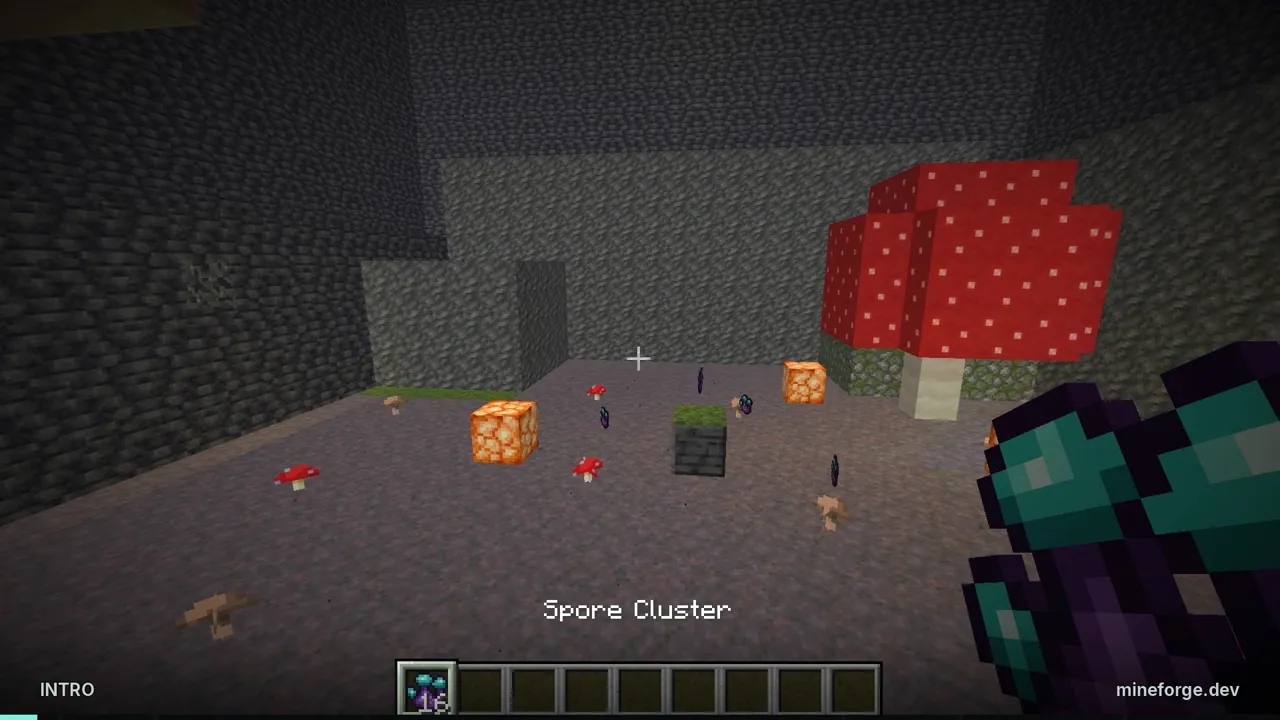
Give it a name
Without a translation, the item shows up as item.sporesteel.spore_cluster. Add assets/sporesteel/lang/en_us.json:
{
  "item.sporesteel.spore_cluster": "Spore Cluster"
}
Creative tab
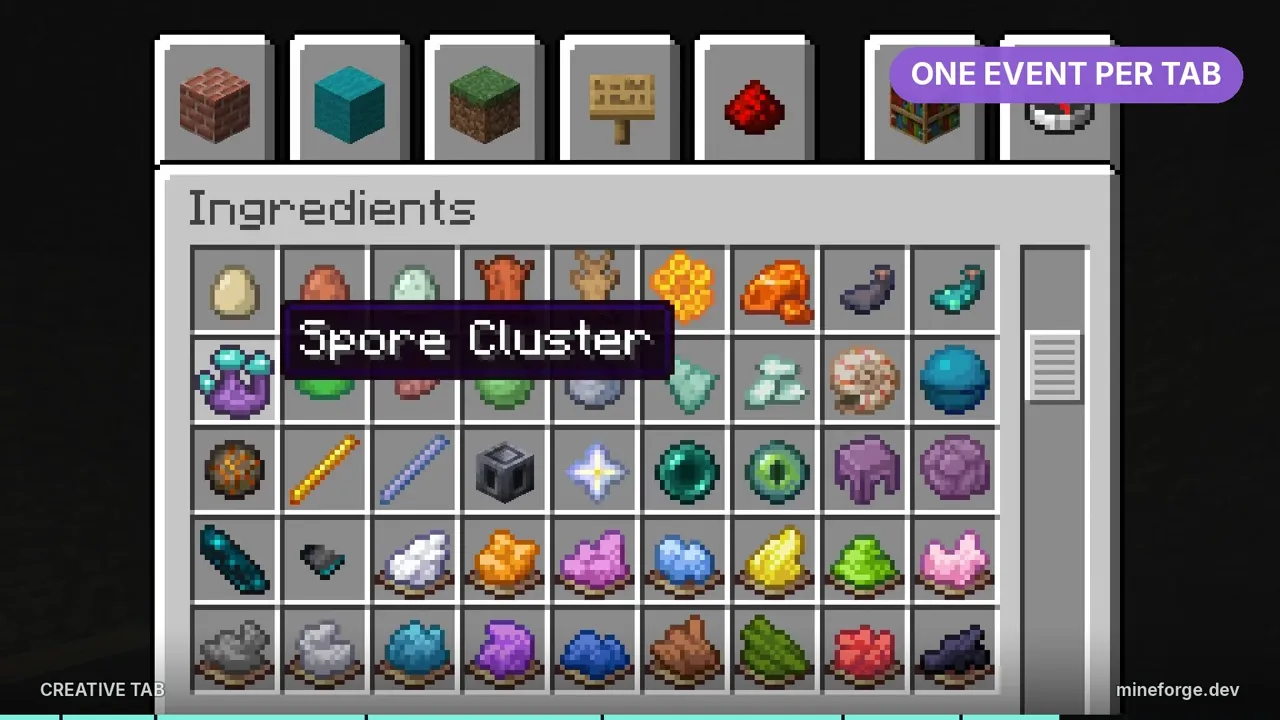
Finally, add an init method to ModItems that places the item in the Ingredients tab, right after the Glow Ink Sac. It needs three more imports at the top of the file:
import net.fabricmc.fabric.api.creativetab.v1.CreativeModeTabEvents;
import net.minecraft.world.item.CreativeModeTabs;
import net.minecraft.world.item.Items;
Then add the method:
public static void init() {
	CreativeModeTabEvents.modifyOutputEvent(CreativeModeTabs.INGREDIENTS)
			.register(output -> output.insertAfter(Items.GLOW_INK_SAC, SPORE_CLUSTER));
}
Run the game with gradlew runClient, open the creative inventory and the Spore Cluster is there.
Recap
You registered an item, gave it a model, texture and name, and added it to a creative tab. Next episode, Spore Clusters get a source: Mycelium Ore, a glowing fungal ore that grows mushrooms in deep caves.
Frequently asked questions
How do you add a custom item in Minecraft Fabric?
Create a registry key for the item, pass it to the item's properties with setId, and register it in BuiltInRegistries.ITEM. Then add an item model file, a model, a 16×16 texture and a translation in en_us.json so it shows up with a name and picture.
Why does my Fabric mod crash with "Item id not set"?
Since recent Minecraft versions, every item needs its registry key set in its properties before it is created. Call new Item.Properties().setId(key) with the same key you register the item under.
Why does my item show as item.modid.name instead of its real name?
The game has no translation for it. Add the key, for example item.sporesteel.spore_cluster, with the display name to assets/<modid>/lang/en_us.json.
How do you put a modded item in a creative tab?
Use Fabric API's CreativeModeTabEvents.modifyOutputEvent for the tab you want, such as CreativeModeTabs.INGREDIENTS, and insert your item with output.insertAfter or output.accept.
What versions does this tutorial use?
Minecraft 26.3, Fabric Loader 0.20.1, Fabric API 0.165.2+26.3 and Java 25, built in IntelliJ IDEA.